

We know that the built-in actions (Bug Reporting, Feature Requests, Ratings & Contact Us) might not be enough for certain use cases. For these situations we offer custom actions, which allow you to start any custom action by code.
Configure a custom action
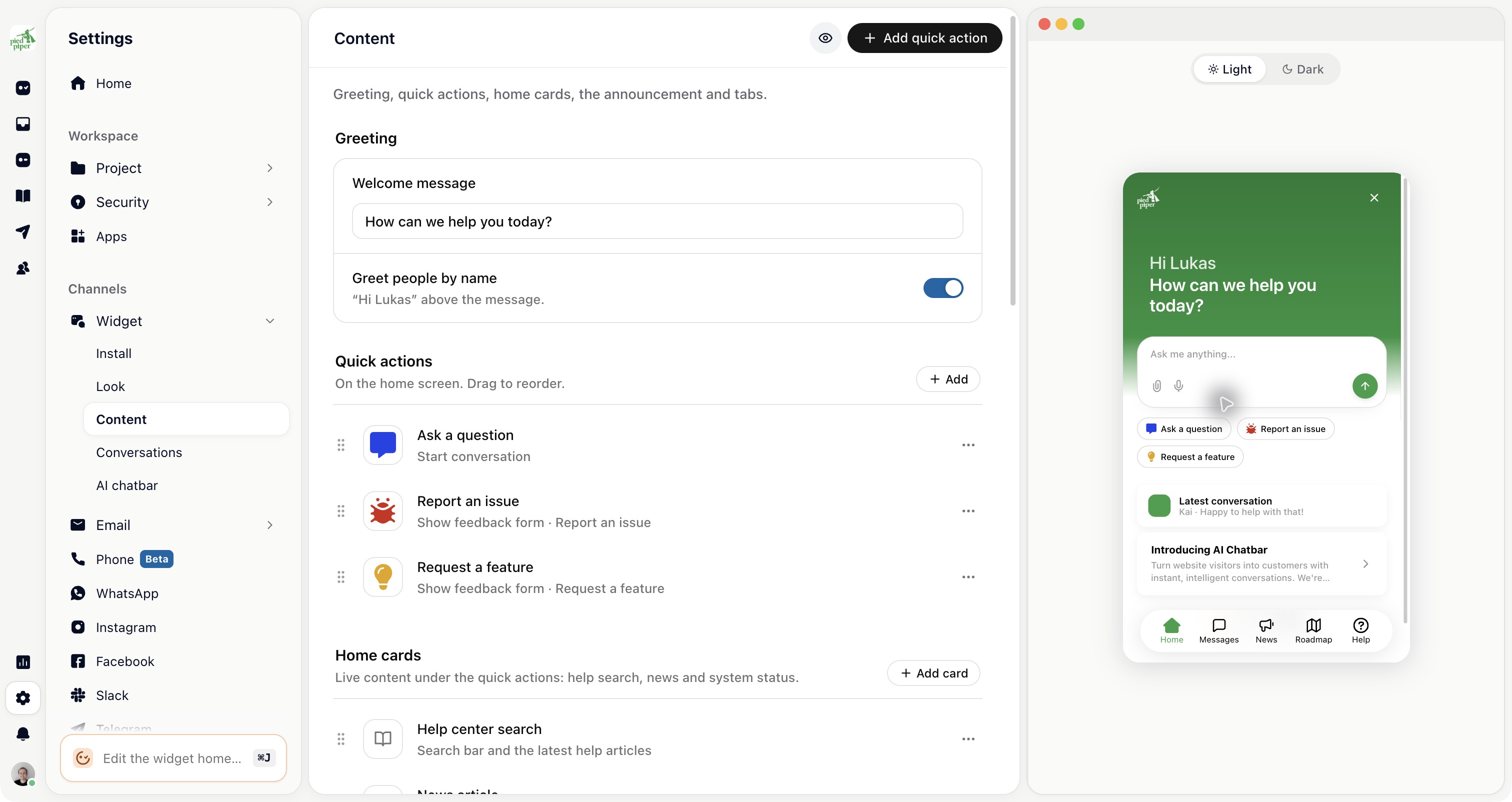
Open Settings → Widget → Content → Quick actions. Add or open a quick action, choose Custom action, and enter its Custom action name. Use that exact name in the handler below.
Now you need to set a name for your custom action. Choose any name you like (it's important that this name matches the name you check in the next step).
Custom action callback
Once you've set a custom action in the Gleap dashboard, it is called automatically on selection through the user. In order to perform custom code, simply register a listener for the custom action.
Gleap.RegisterListener("customActionTriggered", data =>
{
    // data contains the "name" of the triggered action (and an optional "shareToken").
});