

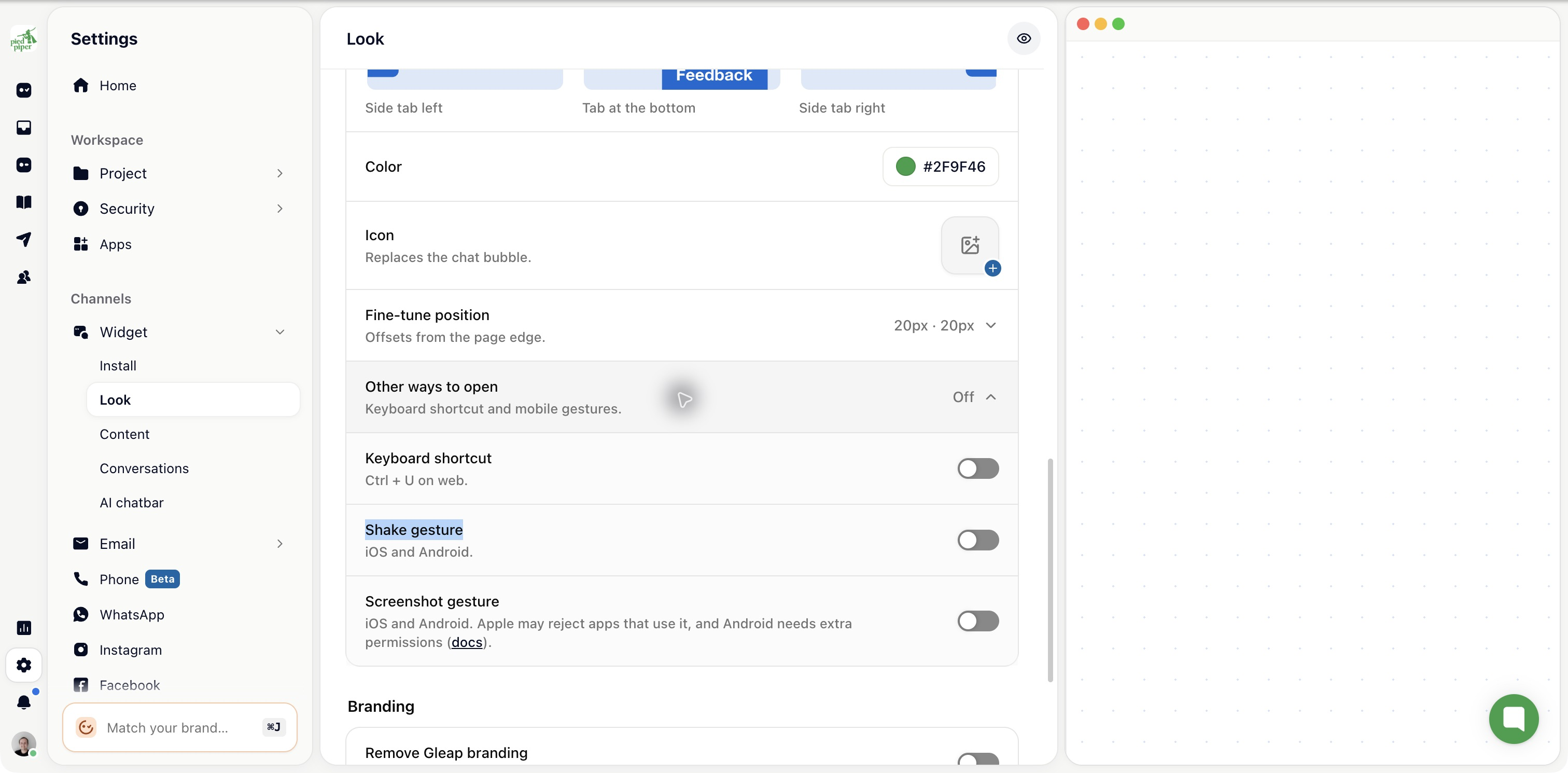
Configure mobile activation methods under Settings → Widget → Look → Launcher → Other ways to open. Use the Shake gesture and Screenshot gesture switches, or set supported methods in your app as shown below.
The current available activation methods are:
Shake (triggered when shaking the device)
Screenshot (triggered when a screenshot is taken)
Need a more customized activation method? No worries! You can always open the Gleap widget by code as well.
Set activation methods by code
Some situations require you to set the activation methods by code. This can be done with the following method.
JavaScript
Gleap.setActivationMethods(['SCREENSHOT', 'SHAKE']);
Please note that this method is available since ReactNative SDK version 6.4.2