Sending surveys with triggers
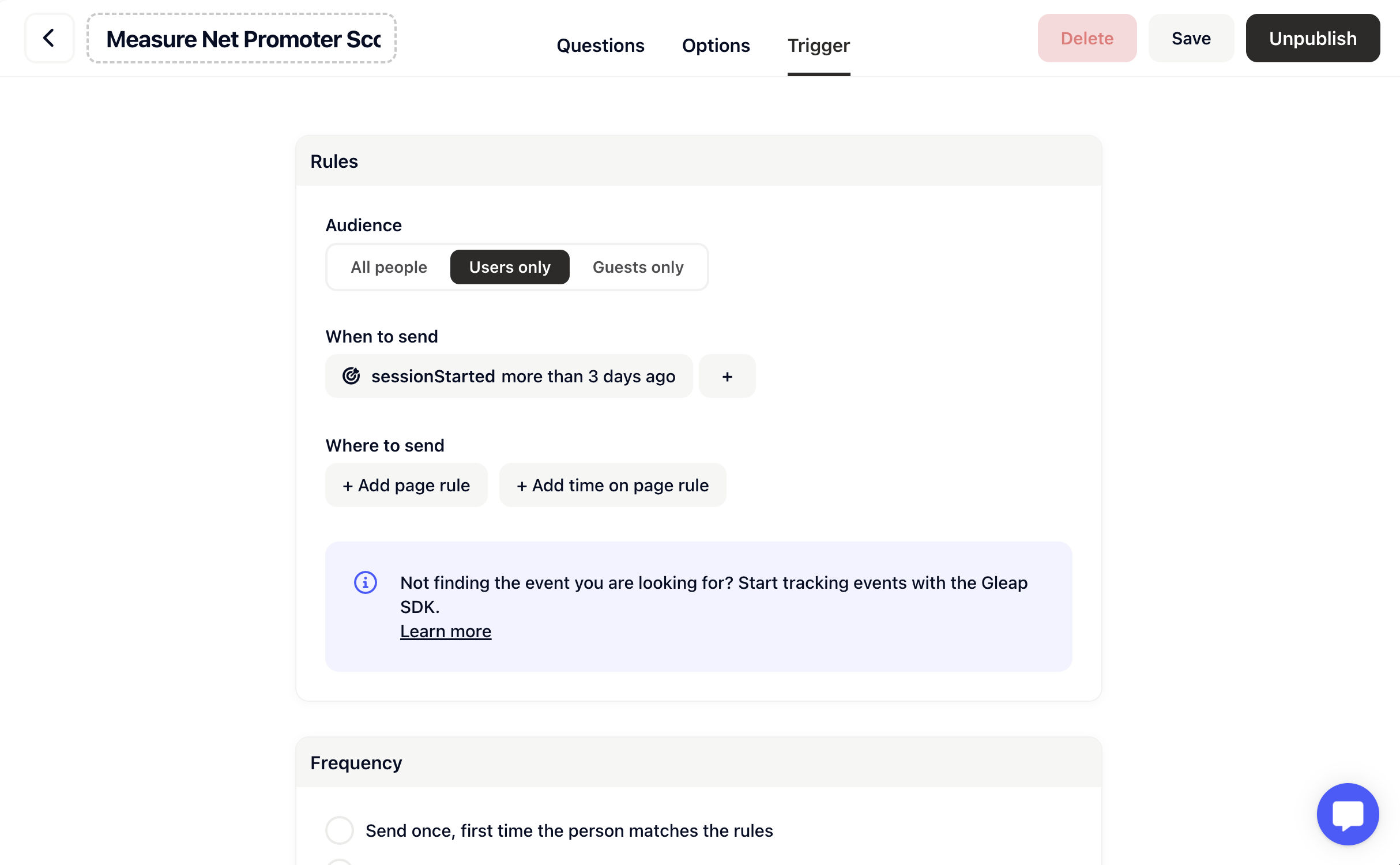
Usually customers use triggers to send surveys. Example use cases for that include:- Sending surveys after a certain amount of time
- Sending a survey on a certain page
- Sending a survey after a specific event happened
- …
Manually sending surveys
You can also manually send surveys to your users. For this you only need to call the following method:survey (default: card style survey) or survey_full (full screen survey).
In Surveys 2.0 the card style format is called Card and the full screen format Full screen. The format values above keep working unchanged, and logic, partial responses and the new question types need no code change. See the Surveys overview.
Survey callbacks
When a Surveys 2.0 survey is completed, the SDK’s existing callbacks fire once, as they did when a survey was sent: feedback sent (iOSfeedbackSent:, Android FeedbackSentCallback) and outbound sent (iOS outboundSent:, Android OutboundSentCallback), and the SDK tracks the outbound-<surveyId>-submitted event your targeting rules can use. Opening the survey fires flow started and widget opened, closing it widget closed. This works on SDK versions released before Surveys 2.0 too; the answers are saved as the user goes, so no ticket is created.
A survey closed before the end fires only widget closed; partial answers are still saved. The per-step events (
survey-shown, survey-answered, survey-completed, survey-closed) are available in the JavaScript SDK.
Please note that the Gleap SDK needs to be fully initialized to be able to
show a survey.