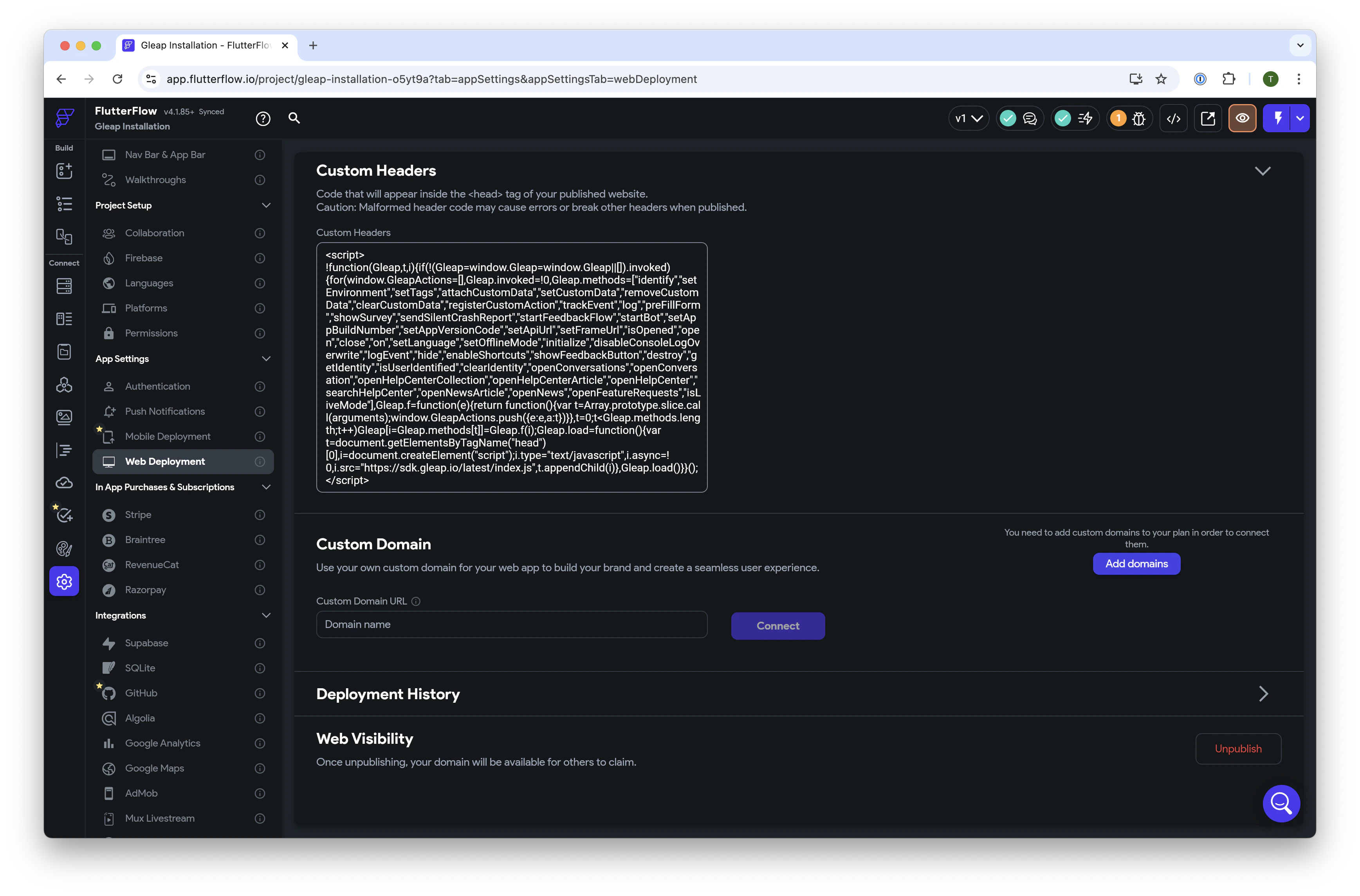
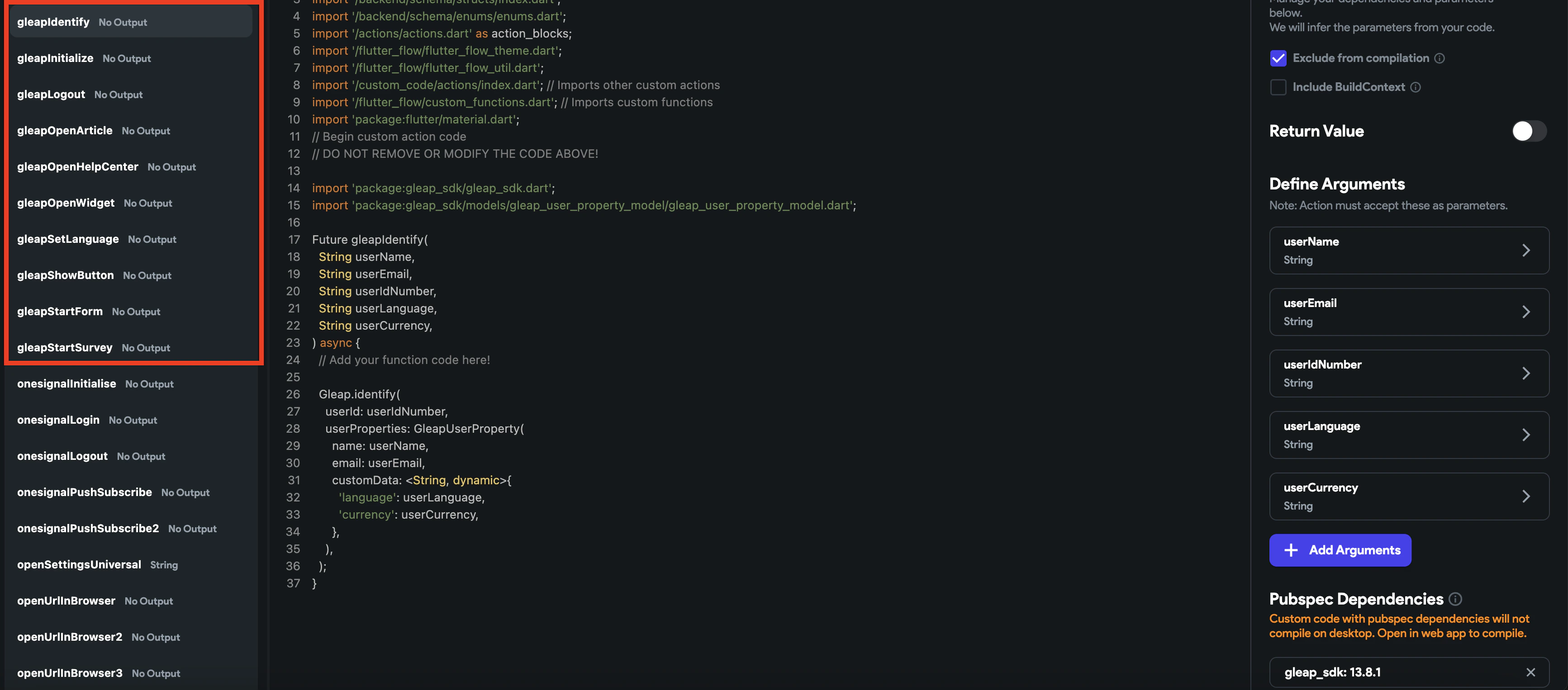
<script>
!function(Gleap,t,i){if(!(Gleap=window.Gleap=window.Gleap||[]).invoked){for(window.GleapActions=[],Gleap.invoked=!0,Gleap.methods=["identify","setEnvironment","setTags","attachCustomData","setCustomData","removeCustomData","clearCustomData","registerCustomAction","trackEvent","log","preFillForm","showSurvey","sendSilentCrashReport","startFeedbackFlow","startBot","setAppBuildNumber","setAppVersionCode","setApiUrl","setFrameUrl","isOpened","open","close","on","setLanguage","setOfflineMode","initialize","disableConsoleLogOverwrite","logEvent","hide","enableShortcuts","showFeedbackButton","destroy","getIdentity","isUserIdentified","clearIdentity","openConversations","openConversation","openHelpCenterCollection","openHelpCenterArticle","openHelpCenter","searchHelpCenter","openNewsArticle","openNews","openFeatureRequests","isLiveMode"],Gleap.f=function(e){return function(){var t=Array.prototype.slice.call(arguments);window.GleapActions.push({e:e,a:t})}},t=0;t<Gleap.methods.length;t++)Gleap[i=Gleap.methods[t]]=Gleap.f(i);Gleap.load=function(){var t=document.getElementsByTagName("head")[0],i=document.createElement("script");i.type="text/javascript",i.async=!0,i.src="https://sdk.gleap.io/latest/index.js",t.appendChild(i)},Gleap.load()}}();
</script>