> ## Documentation Index
> Fetch the complete documentation index at: https://docs.gleap.ai/llms.txt
> Use this file to discover all available pages before exploring further.
# Flutter SDK: Activation methods
> Configure how users activate feedback reporting with the Gleap Flutter SDK. Follow the integration code examples.
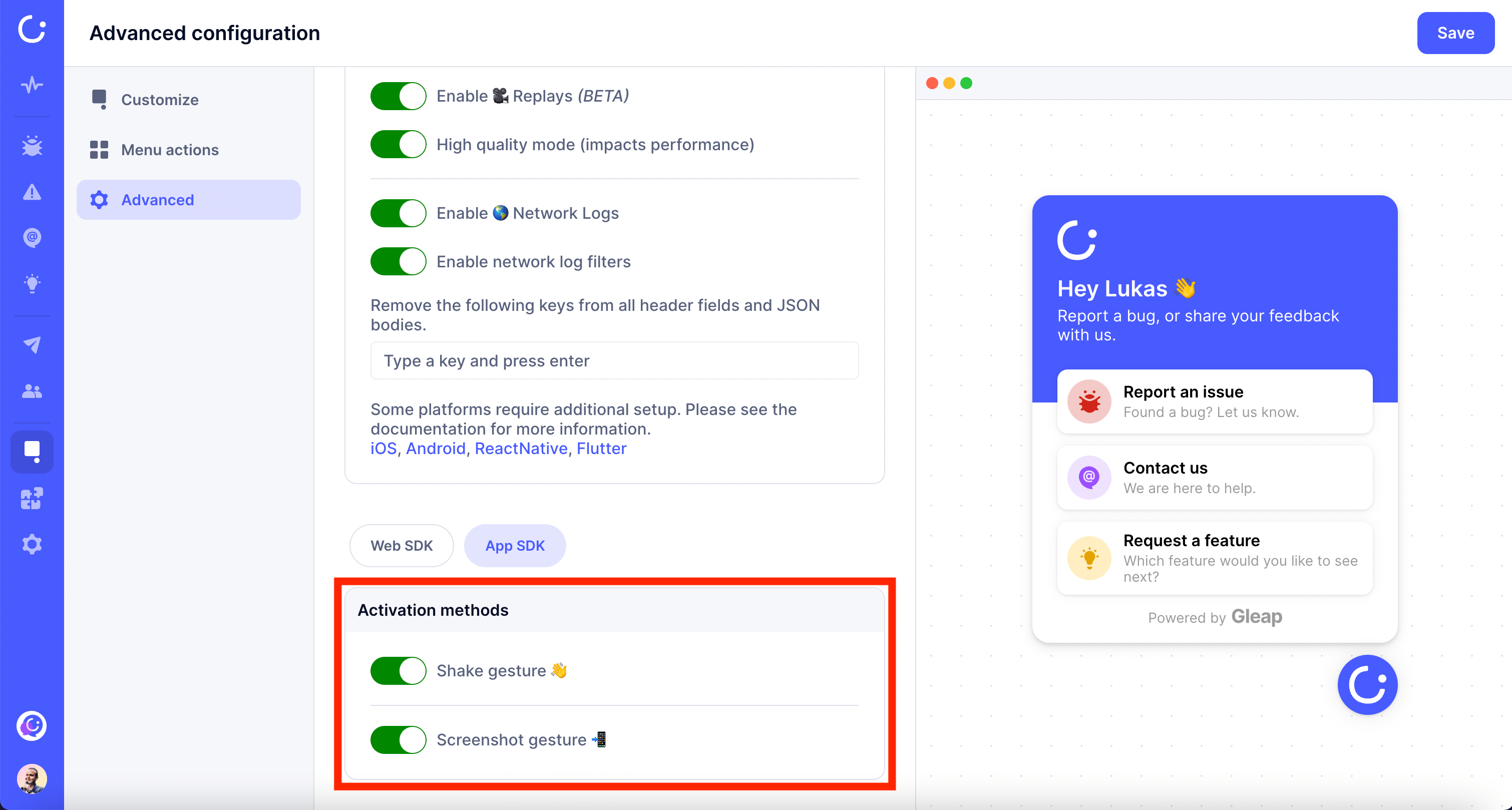
Gleap offers different triggers (activation methods) to show the Gleap widget. You can configure the activation methods within our visual widget configurator.
The current available activation methods are:
* Shake (triggered when shaking the device)
* Screenshot (triggered when a screenshot is taken)
Need a more customized activation method? No worries! You can always [open the Gleap widget by code](/documentation/flutter/widget-control) as well.
 ### Set activation methods by code
Some situations require you to set the activation methods by code. This can be done with the following method.
```dart theme={null}
Gleap.setActivationMethods(
activationMethods: [ActivationMethod.SHAKE, ActivationMethod.SCREENSHOT],
);
```
Please note that this method is available since Flutter SDK version 6.4.3
### Set activation methods by code
Some situations require you to set the activation methods by code. This can be done with the following method.
```dart theme={null}
Gleap.setActivationMethods(
activationMethods: [ActivationMethod.SHAKE, ActivationMethod.SCREENSHOT],
);
```
Please note that this method is available since Flutter SDK version 6.4.3